
Find an audit event
Open System → Audit Trail to review server-recorded events. This page is read-only.
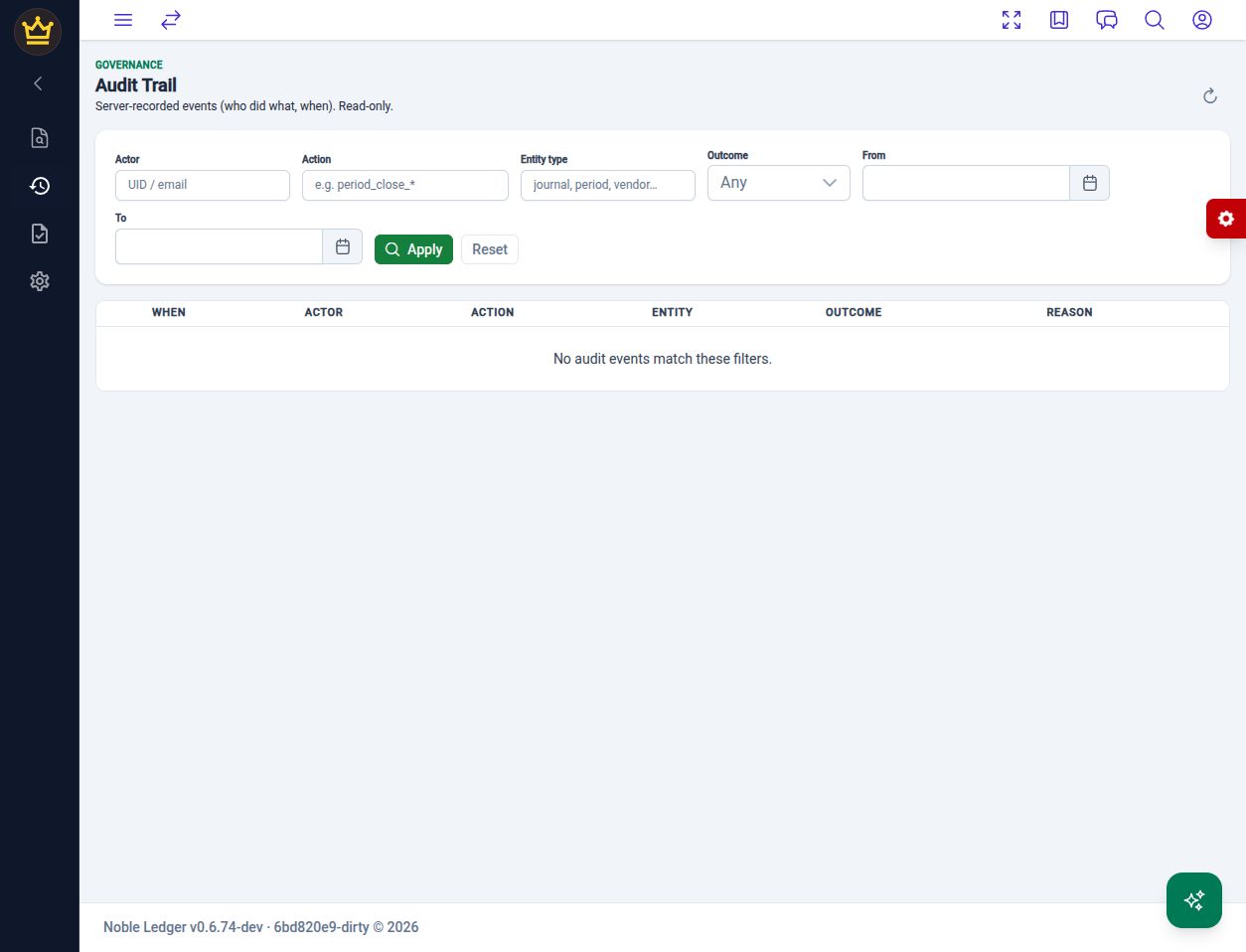
The local application’s audit filters. This example has no matching events.
Narrow the search
Section titled “Narrow the search”- Start with the date range in From and To.
- Enter Actor when you know the user’s UID or email.
- Add an Action or Entity type if known. The Action field shows
period_close_*as an example; entity examples include journal, period, and vendor. - Select Outcome to focus on Success or Failure, or leave it at Any.
- Choose Apply.
Read the result
Section titled “Read the result”Review When, Actor, Action, Entity, Outcome, and Reason together. Where an event offers Toggle payload, expand it to inspect the recorded detail. Load more retrieves additional events when available.
Use Refresh to retrieve current results. Reset clears the filters and starts a broader review. If No audit events match these filters appears, broaden the search and confirm the company; an empty result does not prove an action never occurred.
An event is evidence of the recorded action, not a substitute for reviewing the resulting transaction. Match it with the journal and its supporting documents when investigating an issue.
v1.1.5 (8e20c95)